
How to Pay Self Assessment Tax Online: A Practical Guide
Learn how to pay self assessment tax online with clear steps. Covers HMRC app, bank transfers, deadlines, and avoiding penalties in 2026.

The fastest way to pay Self Assessment tax online is through HMRC's online bill service or the official HMRC app, and both rely on the same payment reference: your 10-digit UTR plus the letter K. If the deadline is close, stop hunting for clever workarounds and use one of HMRC's own digital routes so the payment has the best chance of clearing on time.
Landing here means facing a common problem. The return is filed or nearly filed, the amount due is staring back at them, and the fear isn't the tax bill itself. It's getting the money to HMRC before midnight, using the right reference, and having proof if anything goes wrong.
That's where most guides fall short. They tell you the menu clicks, but not the decision that matters under pressure: which payment channel should you use today, and what evidence should you save before you close the browser? HMRC's system gives you several online options. They are not equal when time is tight.
Table of Contents
- Starting Your Online Tax Payment Without the Panic
- Comparing Every UK Online Payment Method for Self Assessment
- Registering for Government Gateway and Setting Up Payments
- Navigating HMRC Deadlines and Avoiding Automatic Penalties
- Troubleshooting Common Payment Failures and Errors
- Securing Proof of Payment and Managing Cash-Flow Shortfalls
Starting Your Online Tax Payment Without the Panic
At 11:20pm on 31 January, the problem is rarely understanding what tax you owe. The problem is choosing a payment route that will reach HMRC in time, using the right reference, and saving evidence before the payment screen disappears.
Start there. Speed matters, but proof matters just as much. If HMRC cannot match your payment, or your bank shows it as pending after midnight, you need something better than a vague memory that you clicked "confirm".
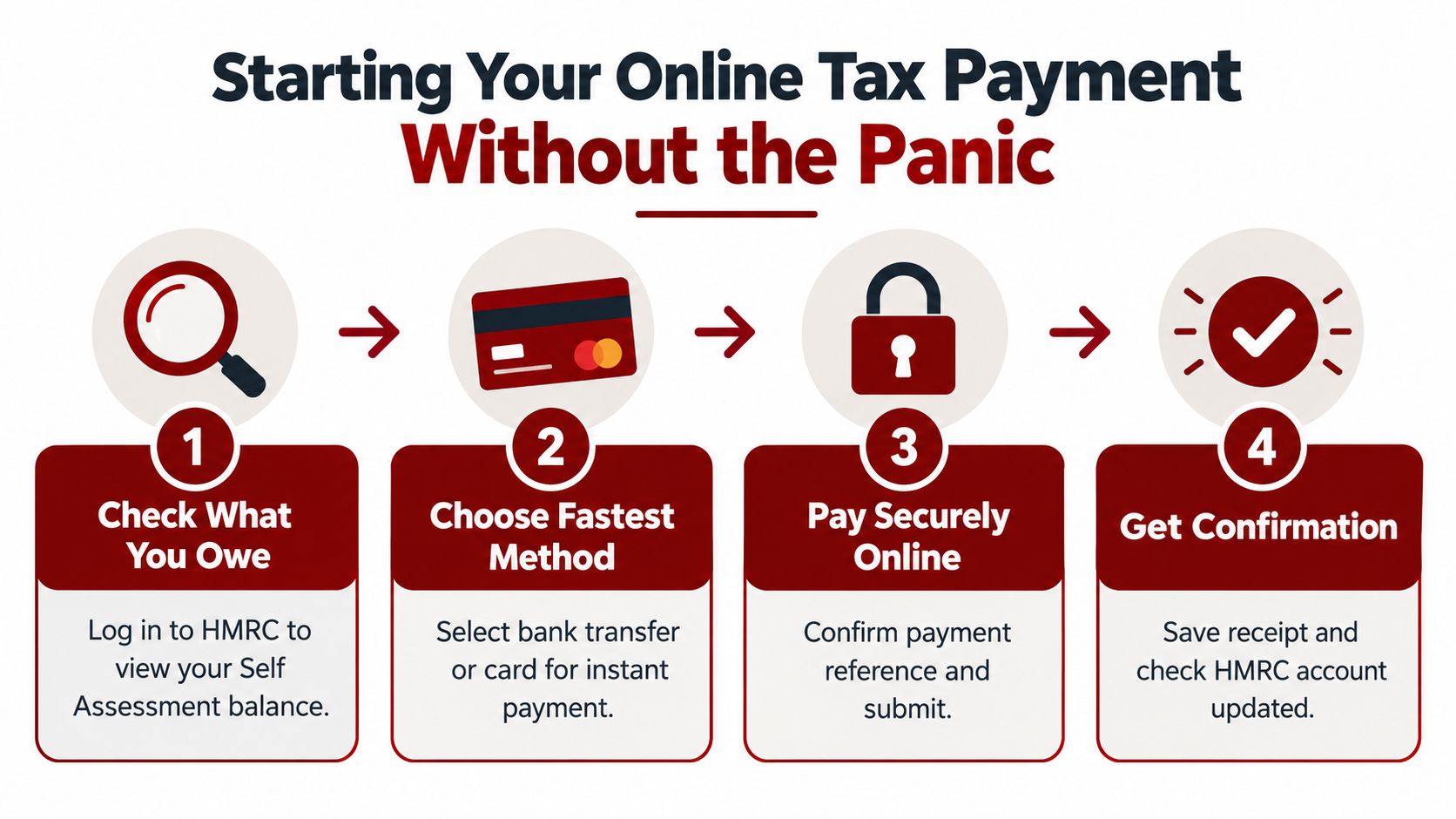
Start with the route HMRC wants you to use
Use an HMRC-led payment route first. It cuts down the two mistakes that cause trouble every year: sending money to the wrong HMRC account and using the wrong reference.
Your practical order is simple:
- HMRC online bill payment
- HMRC app
- Online banking to HMRC
- Direct Debit or card through HMRC
HMRC provides Self Assessment payment contact and account details here: HMRC Self Assessment payment guidance.
If the deadline is close, avoid improvising. Do not copy old bank details from a previous year without checking them. Do not leave off the final K from your payment reference. Those are the small errors that turn an on-time payment into a chase-up job.
Practical rule: On deadline day, pick the payment channel with the fewest manual steps and save your receipt before you do anything else.
What to have ready before you click pay
Set this up first, then pay:
- Your UTR, so you can build the correct payment reference
- The exact amount due from your HMRC account
- Your bank or card details
- A way to save evidence, such as a screenshot, PDF confirmation, or banking receipt
- A backup plan if one method fails and you need to switch quickly
That last point gets ignored too often. If a card payment fails, you should already know whether you can move straight to bank payment instead of losing ten minutes trying to fix a dead end.
If you already organise regular bills in one place, a no-fee bill payment app can help with general admin. Keep tax separate in your mind. For Self Assessment, accuracy, timing, and proof come first.
Comparing Every UK Online Payment Method for Self Assessment
Not every payment method suits every situation. The right choice depends on one question: how soon does the money need to land? HMRC says you can pay Self Assessment online by selecting “pay by bank account” or by using the official HMRC app, which redirects you to approve payment in your online or mobile banking to HMRC Shipley. HMRC also supports Faster Payments, CHAPS, debit or corporate credit card online, and Direct Debit, and it states that the payment reference is the 11-character Self Assessment reference, usually your UTR plus K, while personal credit cards are not accepted according to HMRC's online payment page.
Self Assessment Payment Methods Compared
| Method | Best For | Typical Clearing Time | Limits or Notes |
|---|---|---|---|
| HMRC app with bank approval | People who want a guided mobile process | Fast option for deadline-day use | Redirects you to your banking app to approve payment to HMRC Shipley |
| Pay by bank account through HMRC | Most taxpayers | Fast option for urgent payment | Good choice when you want HMRC's own payment flow |
| Faster Payments | Last-minute bank transfer | Intended for quick settlement through official routes | Use the correct Self Assessment reference |
| CHAPS | High-value or same-day certainty through bank arrangements | Used when same-day movement matters | Your bank may treat this as a premium service |
| Debit card | Straightforward online payment | Supported online by HMRC | Personal debit cards accepted |
| Corporate credit card | Companies or business users paying through business facilities | Supported online by HMRC | Personal credit cards are not accepted |
| Direct Debit | People planning ahead rather than paying at the last second | Depends on setup timing | Better when cash flow needs scheduling, not panic payment |
My recommendation by situation
Use pay by bank account or the HMRC app if the deadline is close and you want the shortest path with the fewest avoidable mistakes.
Use CHAPS only if your bank relationship and timing make it worthwhile. You don't need it. You need a method you understand and can complete correctly.
If payments on account are what's making the bill sting, read this guide to payments on account. Many taxpayers think they're overpaying, when the issue is that the January bill often includes more than one liability.
The best payment method is the one you can complete correctly, with the right reference, before the cut-off.
Registering for Government Gateway and Setting Up Payments
If you can't get into your HMRC account, don't waste time guessing old passwords for an hour. Sort access first. Payment is easy once the account works. It's painful when you're locked out.
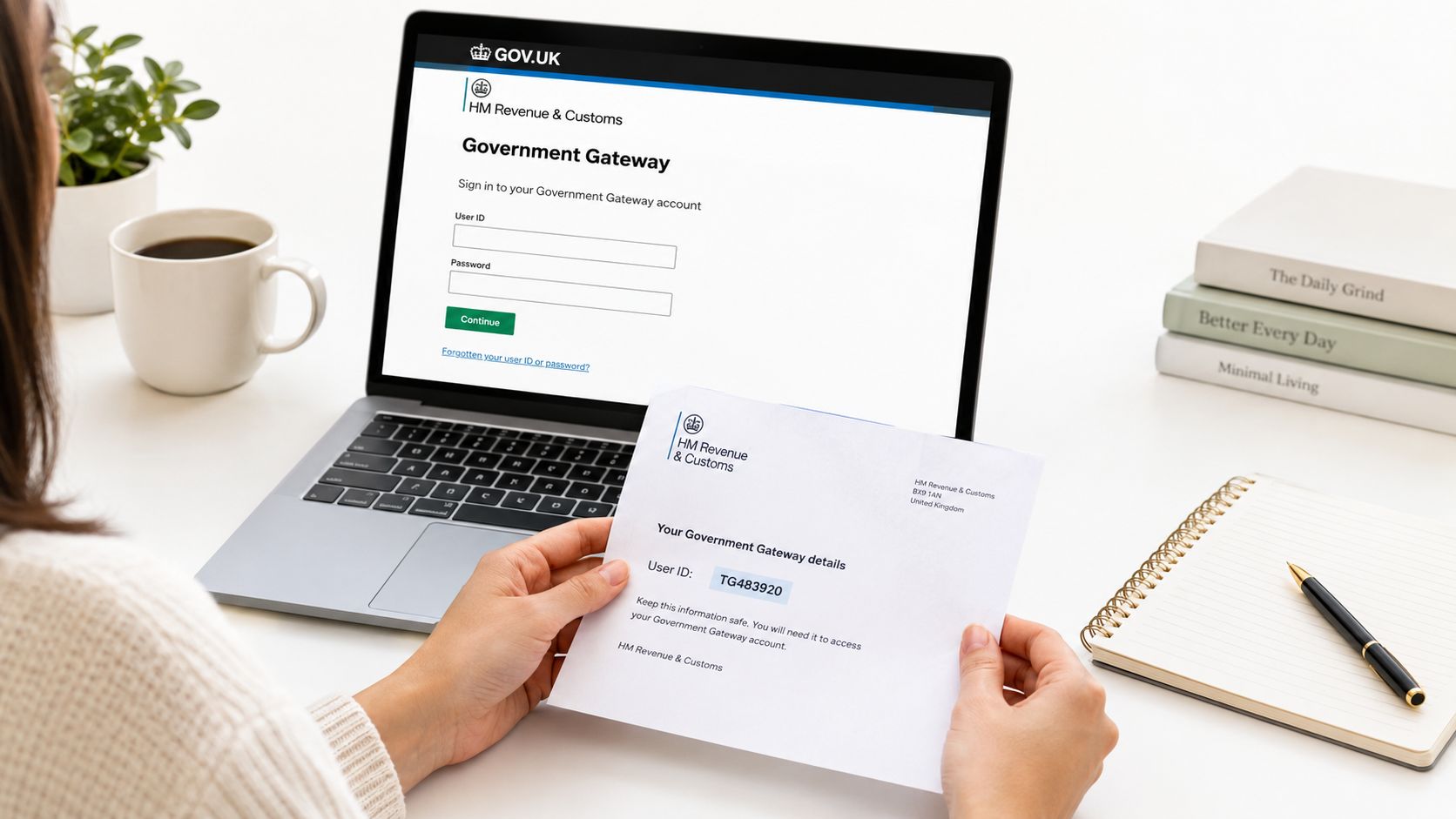
Get access before deadline week
If you haven't registered yet, use a proper registration guide and do it early. This walkthrough on registering for Self Assessment is the right place to start if you need the Government Gateway side set up before payment.
Once you're in, keep your focus narrow. You are trying to do three things only:
- Confirm the bill
- Choose the payment route
- Enter the reference correctly
The setup steps that matter
Follow this order:
- Log into your HMRC online account using your Government Gateway details.
- Open Self Assessment and check what HMRC says is due.
- Choose the payment option inside HMRC's payment journey if available.
- Enter your Self Assessment payment reference exactly as required.
- Complete the payment and save the confirmation immediately.
Most errors happen at step four. People transpose digits, omit the final letter, or paste the wrong reference from an old note. HMRC's systems are digital, but the consequences of a bad reference are old-fashioned. The money can be hard to match.
If the account login is shaky, fix that before the filing deadline week. Tax deadlines punish delay far more than complexity.
If you want help rather than troubleshooting access and filing alone, Action Accountants Limited handles Self Assessment registration, returns, and the practical compliance steps around payment.
Navigating HMRC Deadlines and Avoiding Automatic Penalties
It is 11:40pm on 31 January. Your bank shows the payment as sent, HMRC has not updated, and you are wondering whether you are safe. That is the deadline problem. Payment method, cut-off time, and proof matter just as much as the amount due.
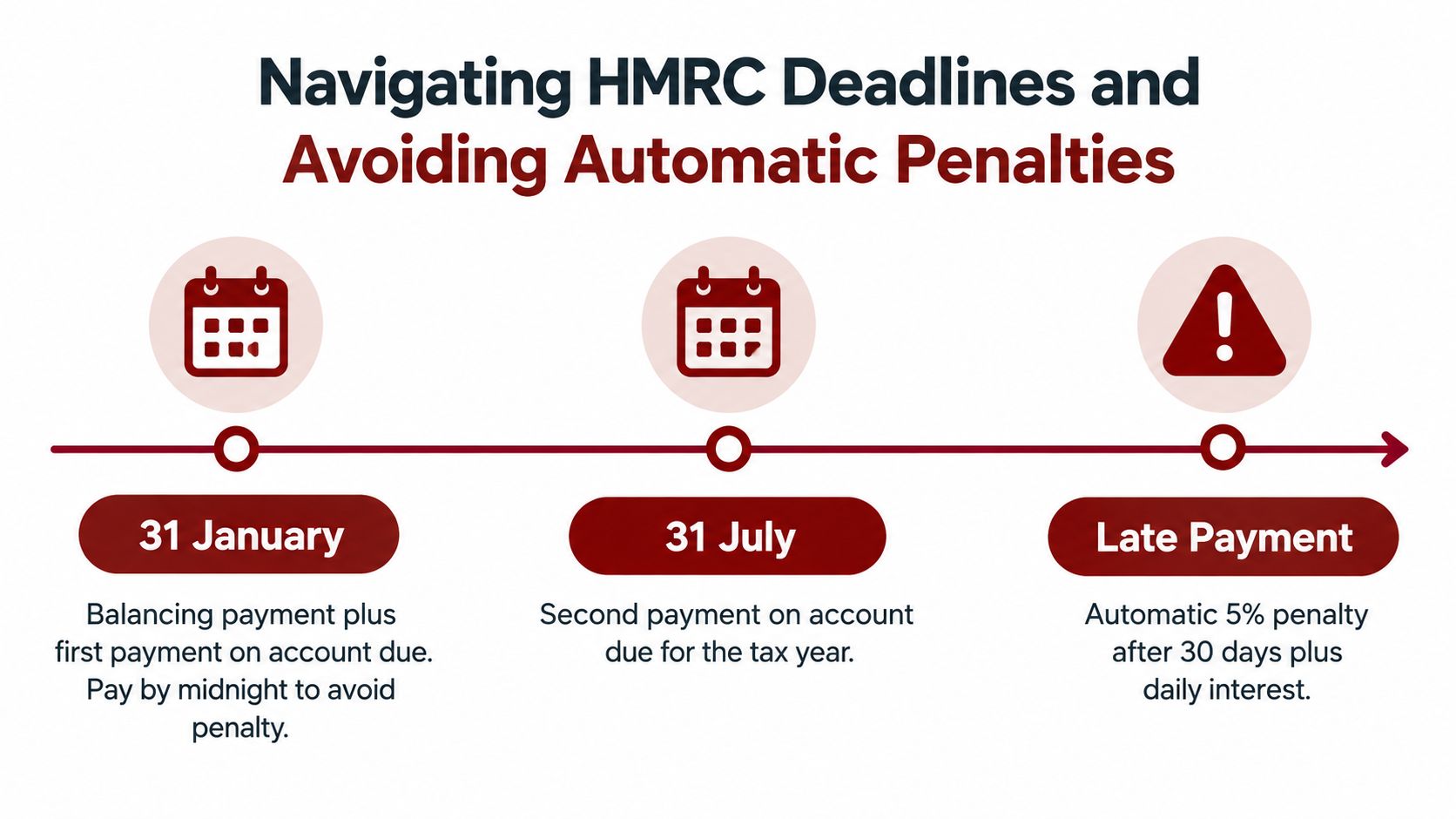
For the 2025/26 tax year, the online return and any balancing payment are scheduled to be due by 11:59pm on 31 January 2027. The first payment on account for 2026/27 is also scheduled to fall on 31 January 2027, and the second payment on account is expected to be due on 31 July 2027, according to HMRC Self Assessment deadlines.
Treat those dates as a decision tree, not a calendar note. If you pay by a method that reaches HMRC instantly and you keep the confirmation, fine. If you leave it until the last evening and use a route that can lag, you are creating your own penalty risk.
The date many taxpayers miss before January
If you want HMRC to collect the bill through your PAYE tax code, the filing date is earlier. For that tax year, the expected deadline for that option is 30 December 2026. Miss it and you may still be able to file by January, but you can lose the coding-out option.
This explainer on the Self Assessment deadline in the UK lays out the wider filing calendar clearly.
What late filing and late payment can trigger
Clients often lump all penalties together. HMRC does not.
A late tax return can trigger the initial £100 fixed penalty even if there is no tax to pay or the tax has already been paid. If the return stays outstanding, further penalties can follow after 3 months, 6 months, and 12 months. Late payment brings interest, and additional late payment penalties can follow if the tax remains unpaid. The practical point is simple. Filing late and paying late are separate failures, and HMRC can charge for both.
Proof matters because midnight is a hard stop
Do not assume “I started the payment before midnight” is enough. What matters is whether the payment reached HMRC under the rules for that channel, and whether you can prove what happened if the timing is disputed.
My advice is blunt. Do not leave bank transfer experiments, app glitches, or card retries until the final hour. Pay earlier than you think you need to. Then keep the confirmation screen, the bank receipt, the payment reference, and a screenshot showing the date and time. That small admin habit saves arguments later.
If you want a broader explanation of why payment date itself can have knock-on effects in other financial contexts, this short piece on how payment date affects credit is worth a read. Different system, same lesson: dates are recorded exactly, and excuses are not.
Troubleshooting Common Payment Failures and Errors
This is the part nobody thinks about until the screen freezes. You click pay, the page hangs, your banking app pings, then nothing looks settled. At that point, panic creates the second mistake. People either pay twice or walk away with no proof.
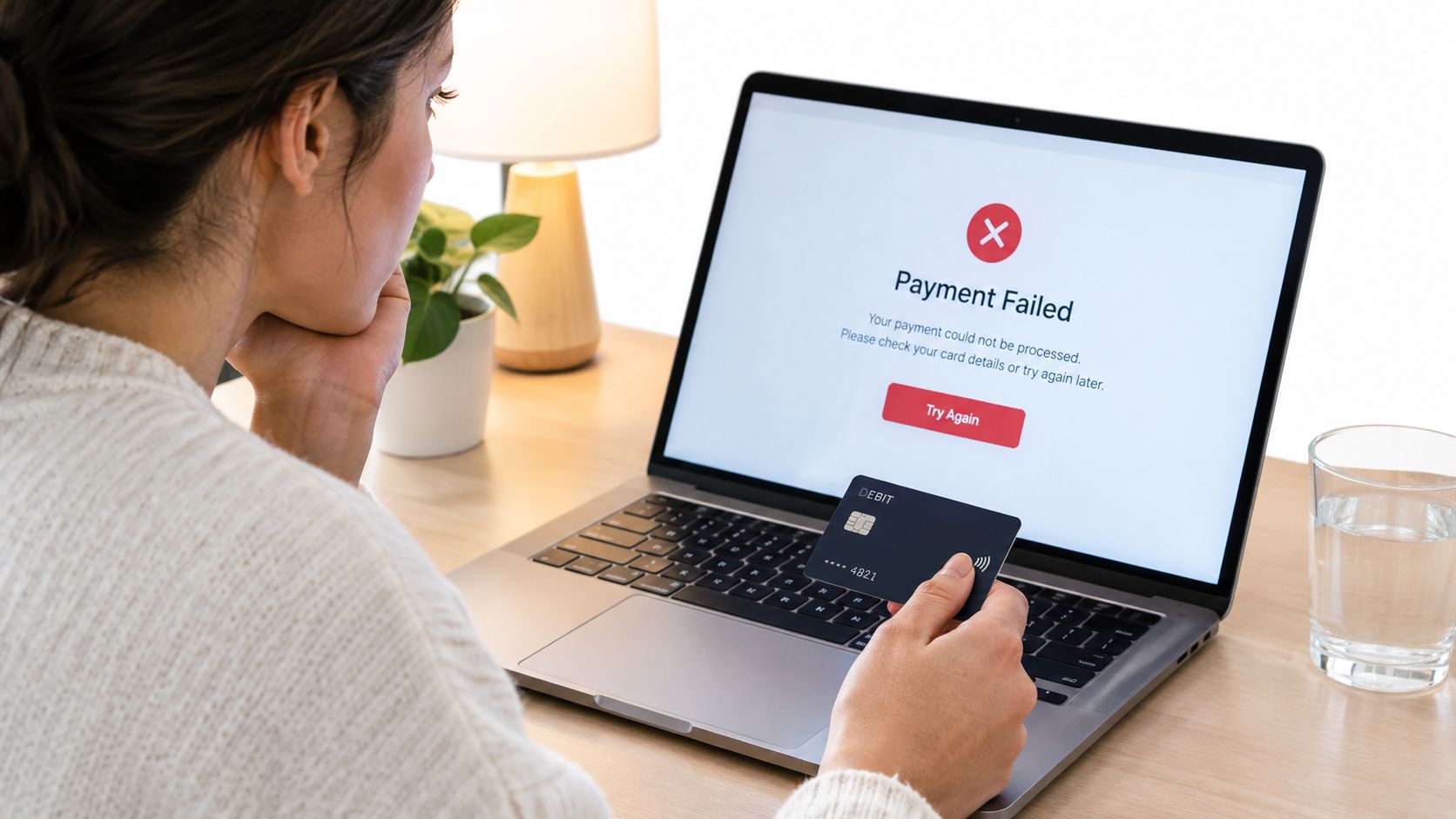
Three failures I see all the time
Wrong reference entered.
The payment leaves the bank, but it doesn't match neatly to your Self Assessment record. If you typed the reference manually, check whether you used the UTR plus the final K. Don't assume the system “will figure it out”.
Card rejected.
This often happens because the wrong type of card is used. HMRC accepts personal debit cards and corporate debit or credit cards through its online routes, but not personal credit cards, as covered earlier from HMRC's payment page. If one card fails, don't keep hammering the same transaction without confirming why.
App or browser loop.
You approve the payment in banking, then get kicked back with no obvious confirmation. Before trying again, check whether your bank shows the payment as pending or completed. If money has moved, gather evidence first.
What to do before attempting a second payment
Use this sequence:
- Check your bank account first: If the amount has left, stop and verify status before paying again.
- Capture the screen: Take screenshots of the error, timestamp, and any reference shown.
- Check HMRC account activity later: A delay in display doesn't always mean failure.
- Keep all records together: Bank app receipt, browser confirmation, and any email acknowledgement.
Don't solve uncertainty by sending the money twice. Solve it by checking where the first payment actually is.
If the issue is unresolved and the deadline is live, document everything. Evidence won't erase a system issue on the night, but it puts you in a much stronger position than vague memory the next morning.
Securing Proof of Payment and Managing Cash-Flow Shortfalls
A payment you can't prove is a weak payment. That's not drama. That's tax admin. If HMRC's record lags or a reference mismatch creates a dispute, your screenshot and bank receipt become the first line of defence.
Save evidence like it matters
Do these every time:
- Download the receipt or confirmation page: PDF if possible, screenshot if not.
- Save the bank confirmation: Don't rely on being able to find it later.
- Record the exact reference used: Especially if you typed it manually.
- Store it in one folder: Tax year, payment date, amount.
If you can't pay in full
HMRC says some customers may be able to use Time to Pay to spread the cost over monthly instalments, and it has specifically framed that as a practical route for those who can't pay the full Self Assessment bill by 31 January in its guidance on help to pay your tax bill.
That option matters more than people think. Many sole traders, landlords, and contractors don't have a “payment problem”. They have a cash-flow timing problem. If that sounds familiar, pair your tax planning with proper cash flow forecasting so January and July stop arriving as financial ambushes. For wider operational ideas, this article on business cash flow improvement 2026 is a sensible starting point.
Pay in full if you can. If you can't, deal with the affordability issue directly and early. Silence is what turns a tax bill into a penalty problem.
If you want this handled properly, Action Accountants Limited helps with Self Assessment registration, tax returns, payment planning, and the practical follow-through that keeps deadlines from turning into penalties. If you're unsure what you owe, whether payments on account apply, or how to deal with a cash-flow shortfall before the deadline, get advice before you click pay and hope for the best.


